
You invested in a stunning 4K or 8K TV, but the picture still looks muddy? Chances are, your HDMI cable is the bottleneck. Not all HDMI cables are created equal—picking the right one unlocks your TV’s full visual potential. Let’s break down the essentials to find your perfect match.
Why Cable Quality Matters
A cheap, outdated HDMI cable can’t handle high-resolution signals, leading to pixelation, lag, or even no signal at all. Think of it as a pipe: a narrow pipe can’t carry as much water as a wide one. Your HDMI cable is the pipe for your TV’s 4K/8K data.
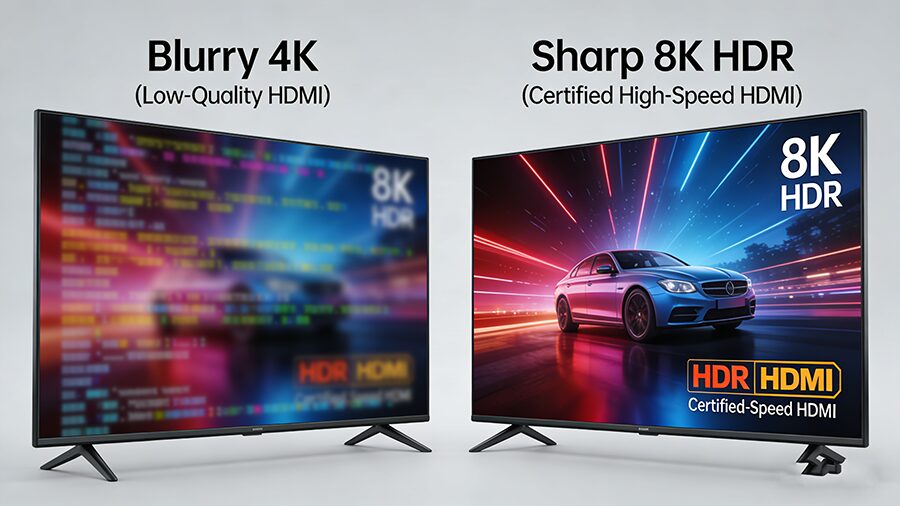
Key Specs to Prioritize
1. HDMI Version & Bandwidth
| HDMI Version | Max Resolution/Refresh Rate | Bandwidth | Must-Have Features |
|---|---|---|---|
| 1.4 | 4K@30Hz, 1080p@120Hz | 10.2Gbps | Basic ARC audio return |
| 2.0 | 4K@60Hz, 1080p@240Hz | 18Gbps | HDR10 support, Premium certification, limited eARC |
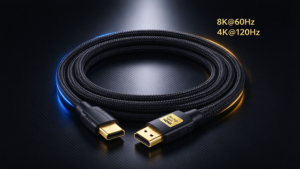
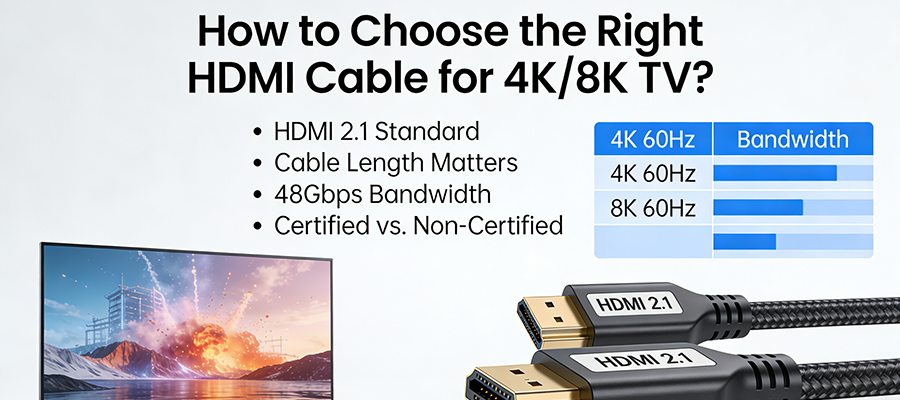
| 2.1 | 8K@60Hz, 4K@120Hz, 10K@120Hz | 48Gbps | Ultra High Speed certification, HDR10+/Dolby Vision, eARC, VRR (for gaming), ALLM |
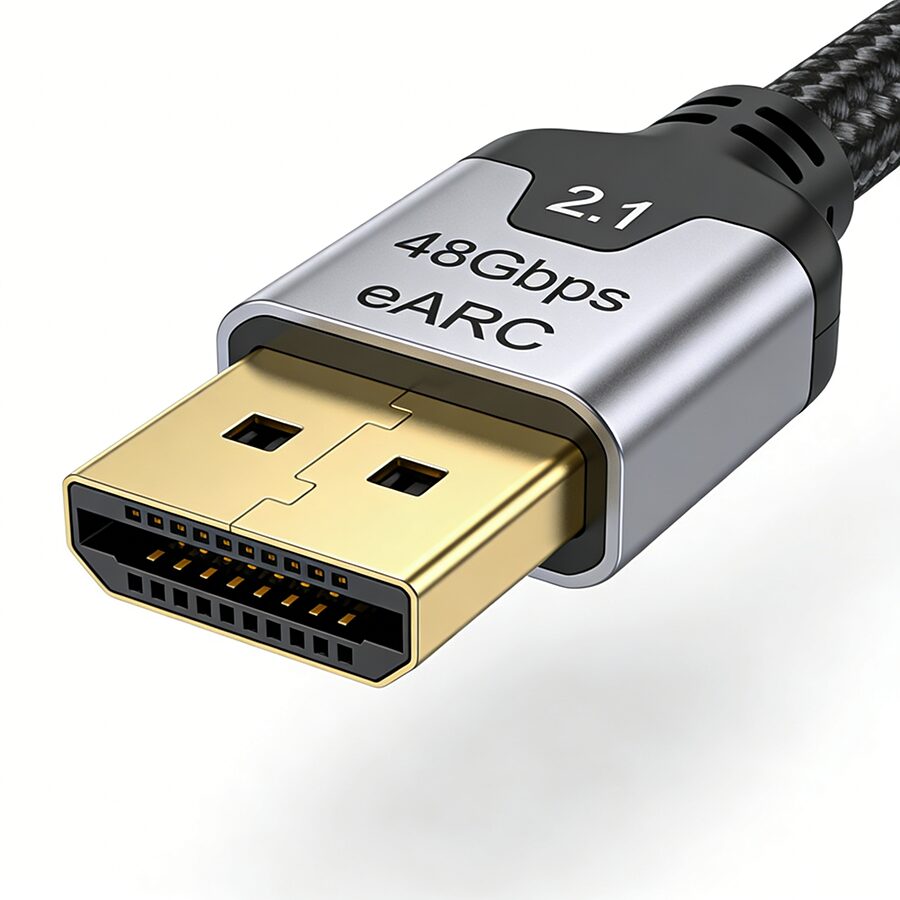
2. Certification is Non-Negotiable
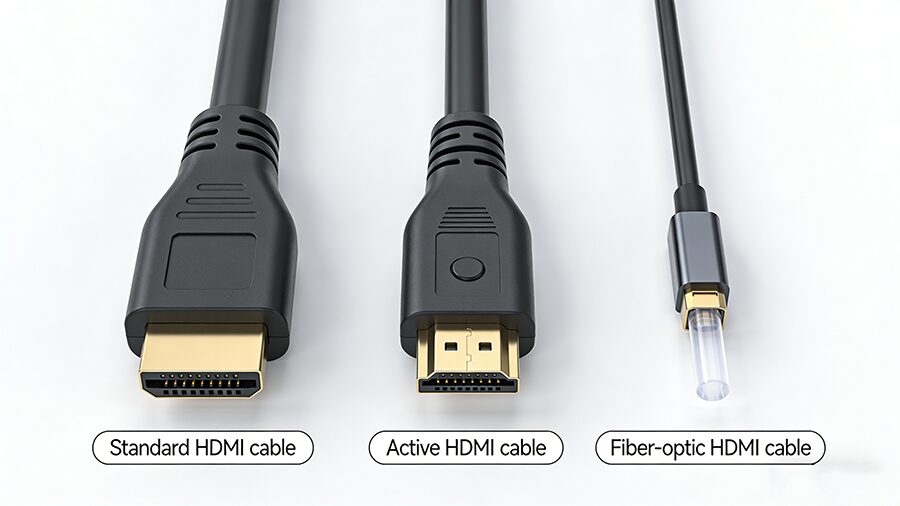
3. Length & Cable Type
Scenario-Based Buying Guide
Pro Tips to Avoid Mistakes
Wrap Up: With the right HDMI cable, you’ll finally get the crisp, immersive 4K/8K experience your TV was built for. Focus on certified cables that match your device specs and usage habits—no need to overcomplicate it! 🎥✨