
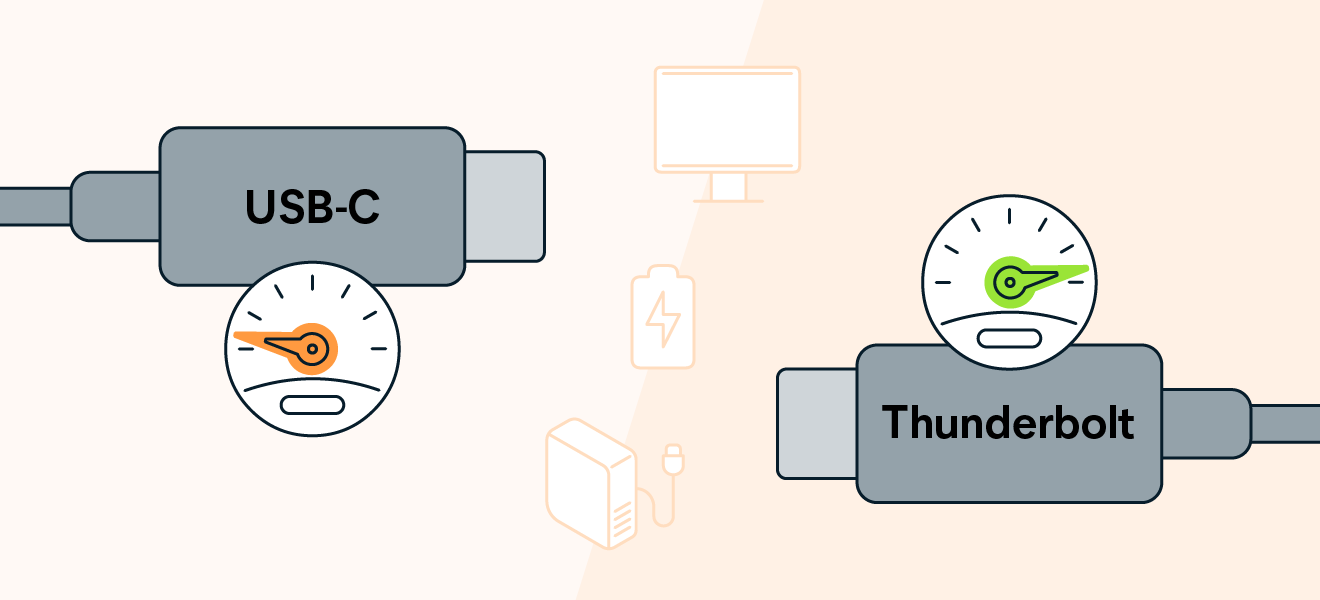
USB-C vs Thunderbolt: A Clear Guide to Ports

USB-C vs Thunderbolt

Table of Contents

Introduction: Why Understanding These Ports Matters

In todayโ€™s tech-driven world, USB-C and Thunderbolt ports are everywhereโ€”on laptops, smartphones, monitors, and chargers. While they look identical, their capabilities vary wildly. Choosing the wrong port can lead to sluggish data transfers, inefficient charging, or even device incompatibility!
๐Ÿ”‘ย Key Insight: USB-C is a physical port shape, while Thunderbolt is a high-speed data protocol (both use the same port).

1. USB-C: The Universal Connector


What Is USB-C?


  • Physical Design: Reversible oval-shaped port (no more โ€œwrong side upโ€ frustration!).
  • Versatility: Supports data transfer, charging (up to 240W), and video output (e.g., 4K/60Hz).
  • Speed Variations: Ranges from USB 2.0 (480 Mbps) to USB4 (40 Gbps), depending on the version.


2. Thunderbolt: Speed, Power, and Pro-Level Performance
 

What Is Thunderbolt?


  • Developed By: Intel and Apple. Thunderbolt 3+ uses the USB-C port design.
  • Flagship Features:
    • Blazing-fast 40 Gbps data transfer (Thunderbolt 3/4).
    • Daisy-chaining up to 6 devices (e.g., monitors, external drives).
    • Support for dual 4K displays or a single 8K display.
    • External GPU compatibility for gaming/creative workflows.
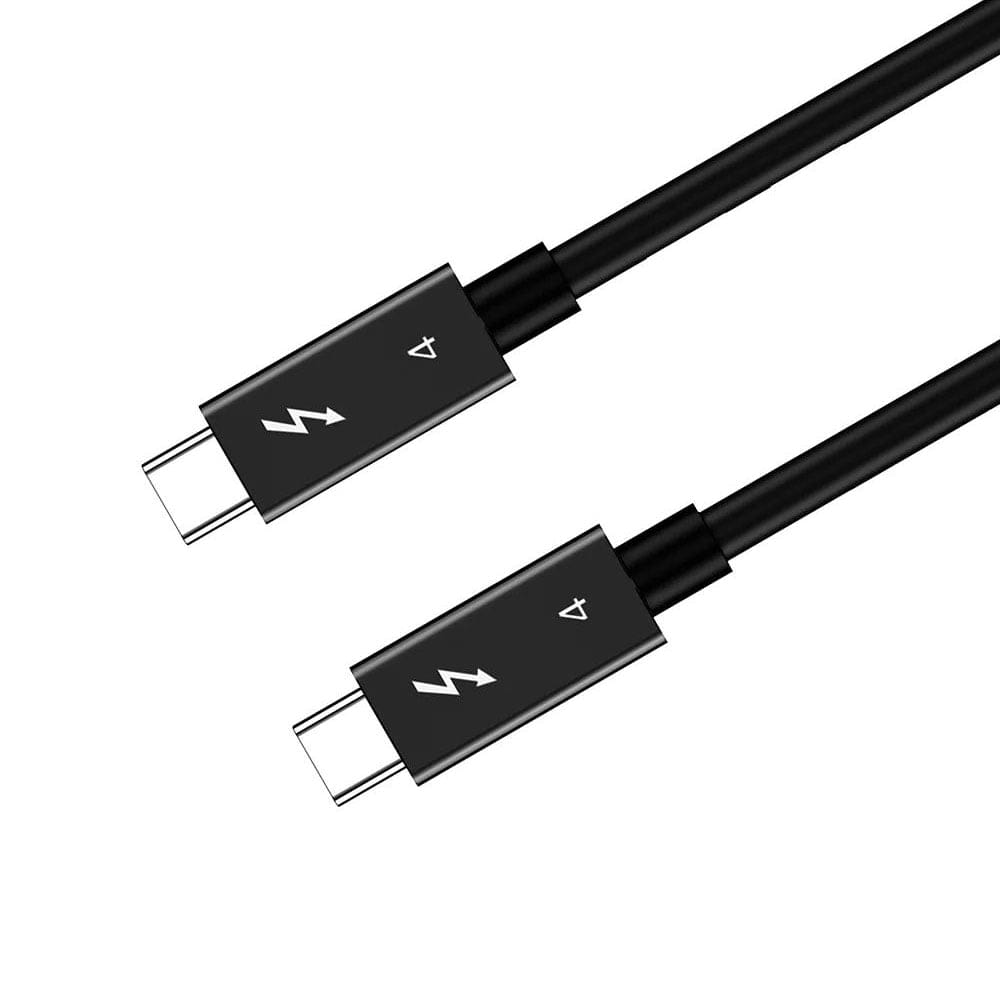
  • Look for the โšก Logo: Thunderbolt-certified devices/cables are marked with a lightning symbol.

usb4 cable


3. USB-C vs. Thunderbolt: Head-to-Head Comparison


Comparison Table


Feature USB-C (USB4) Thunderbolt 4
Max Speed 40 Gbps 40 Gbps
Power Delivery (PD) Up to 240W Up to 100W
Video Output 4K @ 60Hz (Single Display) Dual 4K @ 60Hz or 8K @ 30Hz
Daisy-Chaining Limited (via USB hubs) Up to 6 Devices
External GPU Support No Yes
Cost Affordable Premium


Which Should You Choose?


  • For Most Users: USB-C (cost-effective for daily tasks like charging and file transfers).
  • Pros/Creators: Thunderbolt (demands speed for video editing, gaming, or multi-device setups).


4. Visual Guide: Identifying Ports and Cables


USB-C


  • No specific logo (check device specs for USB version).
  • Common in budget to mid-range devices.


Thunderbolt


  • Always labeled withย โšกย (look for it on ports, cables, or packaging).
  • Found on premium devices (e.g., MacBooks, high-end Windows laptops).


5. Common Questions Answered


Q: Are all USB-C cables Thunderbolt-compatible?
A: No! Only Thunderbolt-certified cables support 40 Gbps speeds and advanced features.


Q: Will a Thunderbolt device work with a USB-C port?
A: Yes, but at USB-C speeds (e.g., a Thunderbolt SSD connected to a USB-C port will max out at 10 Gbps).


Q: Does Thunderbolt 5 change the game?
A: Thunderbolt 5 (released in 2024) doubles speeds to 80 Gbpsโ€”ideal for 8K+ workflows. However, adoption is still limited.
Submit Your Sourcing Request
RELATED POSTS

REQUEST A FREE QUOTE

contact us to get latest product catalog