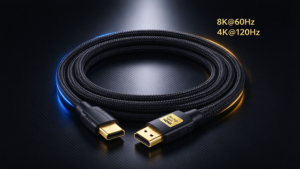

If you’ve ever plugged a free phone-pack-in USB-C cable into your new 20TB portable SSD, only to wait 30 minutes for a 100GB 8K video transfer, you’ve already run into the most confusing part of modern cabling: USB-C and Thunderbolt 4 look identical, but perform wildly differently.
Per NPD Group 2026 data, 62% of consumers can’t tell the two cable types apart, wasting a collective $1.2B yearly on overpriced cables they don’t need, or cheap cables that don’t work for their gear. We’re cutting through marketing fluff to tell you exactly when expensive Thunderbolt 4 cables are worth it, and when you can save cash with a basic USB-C cord.
USB-C vs Thunderbolt 4: Core Specs Comparison (2026)
| Category | Regular USB-C (Entry to Mid-Tier) | Thunderbolt 4 (Certified) |
|---|---|---|
| Physical ID | USB-C connector, no mandatory marking | USB-C connector, official lightning logo printed on housing |
| Max Data Speed | 480Mbps (entry, USB 2.0) / 20Gbps (mid-tier, USB 3.2/USB4) | 40Gbps minimum (certified standard; Thunderbolt 5 variants up to 80Gbps) |
| Max Charging Power | 18W (entry) / 100W (mid-tier PD) | 240W PD 3.1 EPR standard |
| Video Support | None (entry) / optional single 4K 30Hz (mid-tier) | Native support for dual 4K 60Hz / single 8K 144Hz |
| Compatibility | Works with all USB-C ports, no extra features | Works with all USB-C ports, unlocks full features on Thunderbolt 4/5 ports |
| Average 1m Cable Price | $5 (entry) / $15 (mid-tier) | $25 (passive) / $60 (active 5m) |
| Best For | Charging, low-bandwidth peripherals, casual file transfers | High-speed storage, eGPUs, high-res displays, single-cable docking |
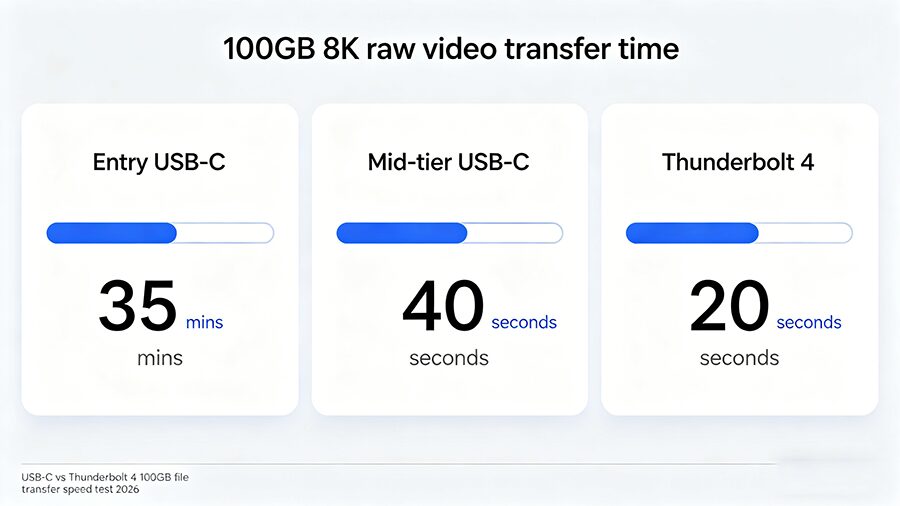
When Expensive Thunderbolt 4 Cables Are 100% Worth It
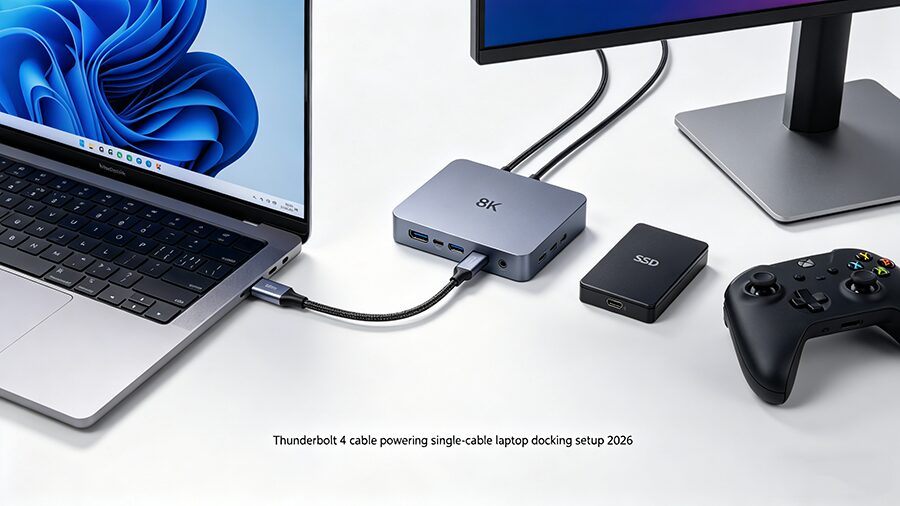
When You Should Skip Expensive Thunderbolt 4 Cables