
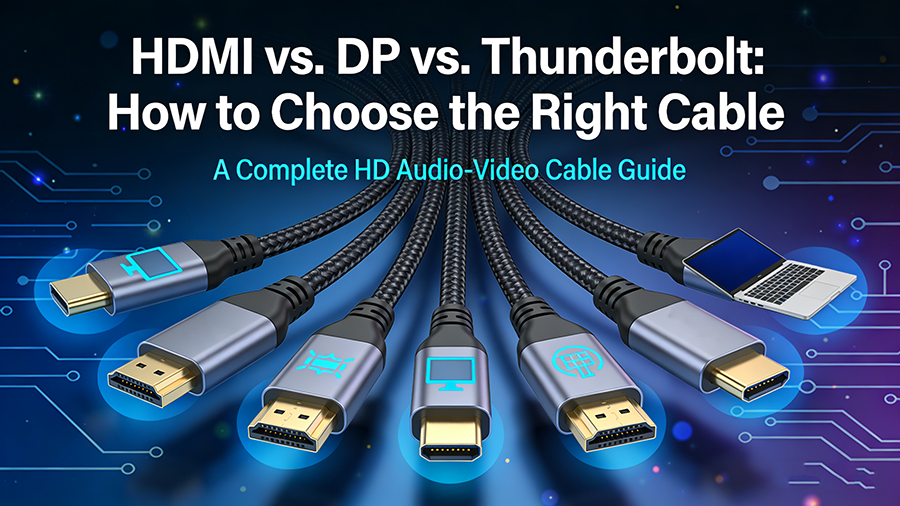
In the era of high-definition audio-visual experiences, choosing the right cable—HDMI, DisplayPort (DP), or Thunderbolt—can be confusing. This guide breaks down their differences, use cases, and key factors to help you make an informed decision.
Key Differences at a Glance
| Feature | HDMI 2.1 | DisplayPort 2.0 | Thunderbolt 4 |
|---|---|---|---|
| Max Bandwidth | 48 Gbps | 80 Gbps | 40 Gbps |
| Resolution@Refresh | 8K@60Hz, 4K@120Hz | 16K@60Hz, 8K@120Hz | 8K@60Hz, 4K@144Hz |
| Audio Channels | 32 | 32 | 32 |
| Power Delivery | Up to 100W | No | Up to 100W |
| Daisy-Chaining | Limited | Yes | Yes |
| Common Devices | TVs, Consoles | Monitors, PCs | Laptops, Phones |
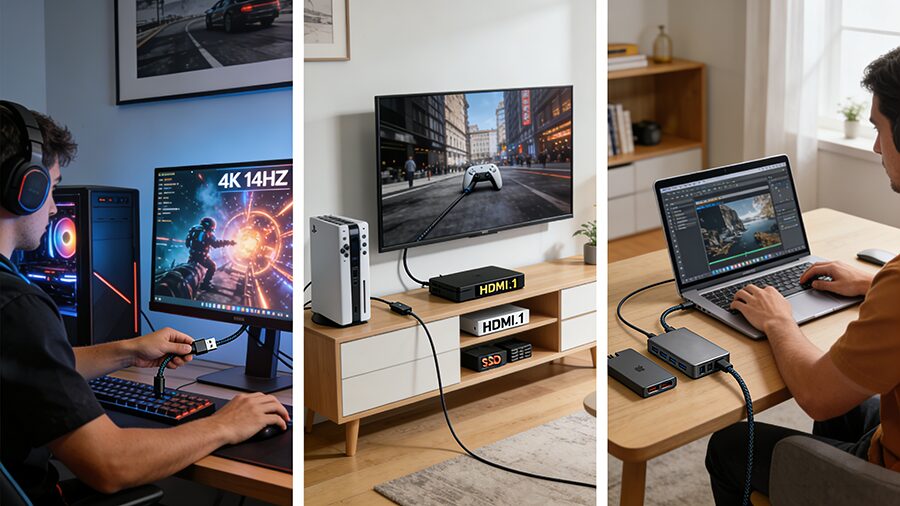
How to Choose?
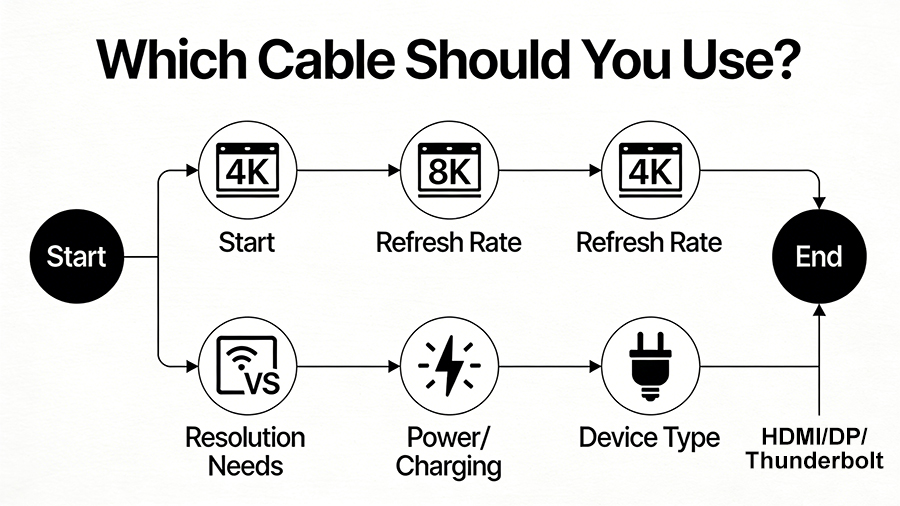
Final Tips