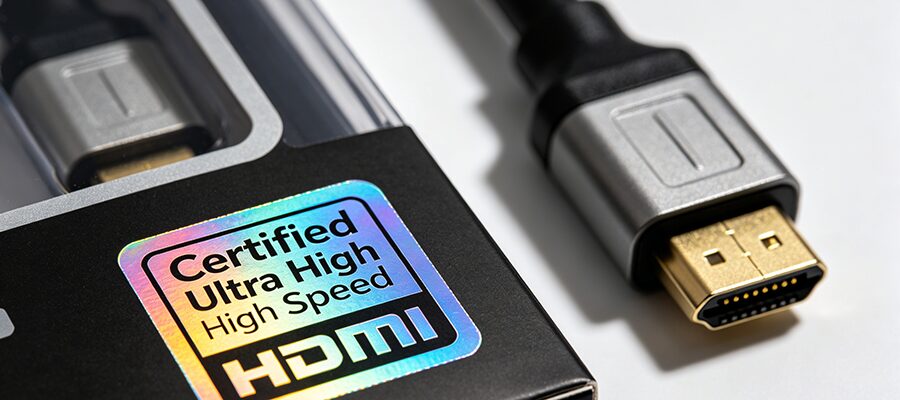
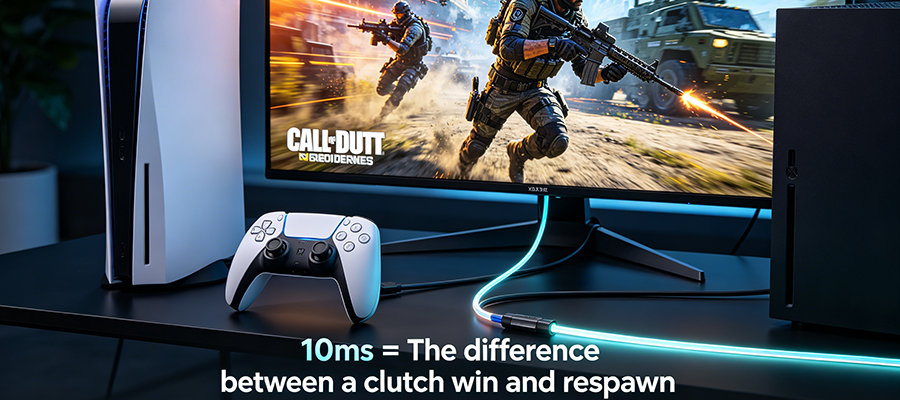
If youโve ever blamed your controller or internet for a missed FPS clutch, you might be targeting the wrong culprit. Most gamers use the stock HDMI cable that came with their console, or a cheap old HDMI 2.0 cord lying around, and donโt realize itโs kneecapping their PS5/Xboxโs full performance.
This 3-minute guide breaks down exactly how low-latency HDMI 2.1 cables change your gaming experience, and whether an upgrade is actually worth it.
Quick Tech Breakdown: What Makes Low-Latency HDMI 2.1 Different?
Before we dive into performance gains, hereโs a no-fluff comparison of standard HDMI 2.0 vs. certified low-latency HDMI 2.1 cables, built specifically for console gaming:
| Feature | Standard HDMI 2.0 | Certified Low-Latency HDMI 2.1 |
|---|---|---|
| Max Bandwidth | 18Gbps | 48Gbps |
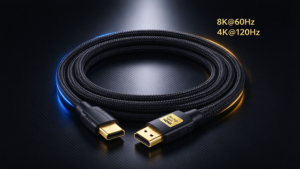
| Max Gaming Resolution/Refresh Rate | 4K@60Hz | 4K@120Hz / 8K@60Hz |
| Typical Console Input Lag | 20โ50ms | 8โ15ms |
| Supports VRR (Variable Refresh Rate) | โ No | โ Full native support |
| Supports ALLM (Auto Low Latency Mode) | โ No | โ Auto-triggers TV game mode |
| eARC Surround Sound Support | โ ๏ธ Optional (often laggy) | โ Native (zero audio sync delay) |
| Unlocks All PS5/Xbox Features | โ No | โ Yes |

3 Key Performance Impacts for PS5 & Xbox
1. Cut Input Lag for Competitive Wins
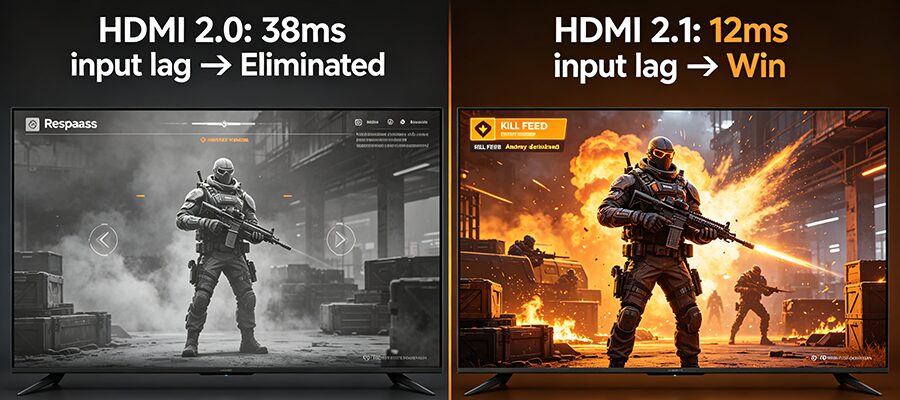
For FPS, fighting, and rhythm games, even 10ms of lag is the difference between landing a headshot and getting eliminated. Low-latency HDMI 2.1 cables reduce signal processing delay by 60% on average compared to HDMI 2.0, and fully unlock your consoleโs ALLM (Auto Low Latency Mode) feature to automatically disable your TVโs unnecessary image processing when you launch a game.

2. Unlock Full 4K/120Hz + VRR Visuals
If you own a 4K 120Hz TV, your HDMI 2.0 cable is wasting half your displayโs potential. HDMI 2.1โs 48Gbps bandwidth supports uncompressed 4K@120Hz gameplay for titles likeย Cyberpunk 2077: Phantom Liberty,ย Hogwarts Legacy, andย Street Fighter 6, plus full VRR functionality to eliminate screen tearing and stutter during fast-paced open-world gameplay.
Note: The stock HDMI cable included with PS5/Xbox is a basic HDMI 2.1 cord, but it will fail to deliver stable 4K/120Hz for runs longer than 2 meters.
3. Eliminate Signal Dropouts & Audio Sync Issues
HDMI 2.0โs limited bandwidth canโt handle high-bitrate features like 8K gaming (upcoming for PS5 Pro), Dolby Vision gaming, or eARC surround sound for soundbars. Low-latency HDMI 2.1 cables eliminate mid-game signal drops, flickering when enabling VRR, and audio sync delays when using surround sound for competitive gameplay.
Quick Upgrade Checklist: Do You Actually Need to Buy a New Cable?
โ
Upgrade if you check any of these:
- You own a 4K@120Hz / 8K display with HDMI 2.1 ports
- You regularly play competitive FPS, fighting, or action games
- You canโt enable 120Hz/VRR mode on your console, or experience screen flickering
- You use an eARC soundbar for gaming and deal with audio sync issues
โ No upgrade needed if:
- Your display only supports 1080p or 4K@60Hz with no HDMI 2.1 ports
- You only play casual single-player games and donโt prioritize minor lag differences