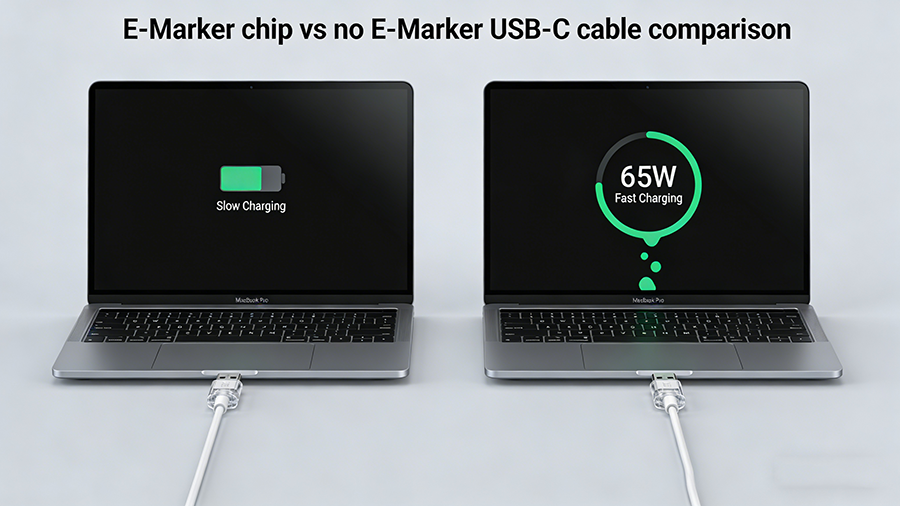
Ever grabbed a random USB-C cable from your drawer to charge your work laptop, only to get a “Slow Charging” pop-up? Or tried to hook your phone up to a 4K monitor for a presentation, just to get a blank screen?
You’re not alone. 70% of generic USB-C cables don’t support the full capabilities of your devices – and the missing piece is almost always a tiny, unmarked component called an E-Marker chip. This quick guide breaks down exactly what it does, when you need it, and how to stop wasting money on cables that don’t work.
An E-Marker (Electronic Marker) chip is a 1mm² microchip embedded in USB-C cables, adapters, and accessories that communicates the product’s performance capabilities to connected devices, per USB-IF (USB Implementers Forum) global standards.
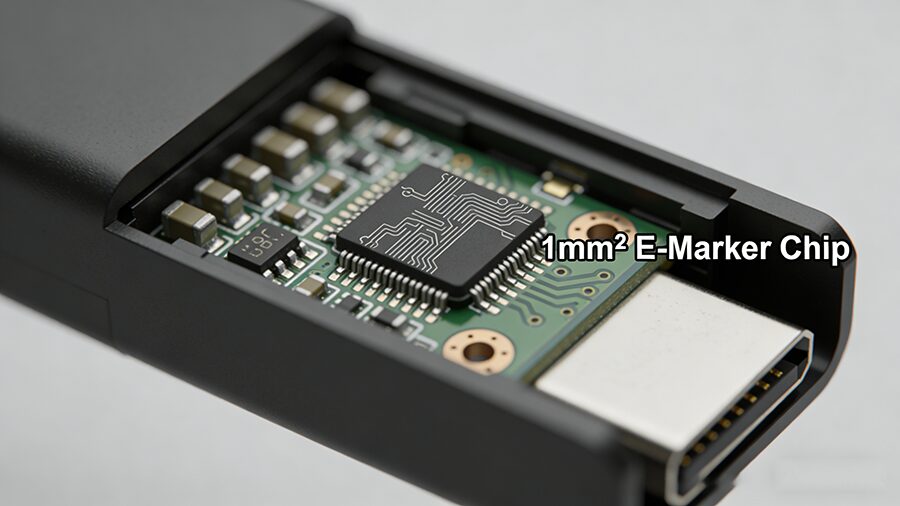
Think of it as a digital ID tag for your USB-C cable. When you plug two devices together, the E-Marker tells your charger, laptop, or phone exactly how much power the cable can carry, how fast it can transfer data, and whether it supports video output – no guesswork required.
The E-Marker runs on low power drawn directly from the USB-C connection, activating the second you plug in your cable. It shares 3 key details with connected hardware:
- Maximum supported amperage (3A, 5A, etc.)
- Supported data transfer protocols (USB 2.0, USB 3.2, Thunderbolt 4, etc.)
- Support for Alternate Modes (video output, DisplayPort, HDMI Alt Mode)
If the cable has no E-Marker, devices default to the lowest common performance standard: max 60W charging, 480Mbps USB 2.0 data speeds, and no video output support. That’s why your fancy 100W charger might only charge your laptop at 27W if paired with a cheap generic cable.
| Feature |
Non-E-Marker USB-C Cable |
E-Marker Equipped USB-C Cable |
| Max Power Delivery |
Up to 60W (20V/3A) |
Up to 240W (48V/5A) |
| Max Data Speed |
Up to 480Mbps (USB 2.0) |
Up to 80Gbps (USB4 2.0 / Thunderbolt 5) |
| Video Output Support |
❌ No Alt Mode support |
✅ Supports 4K/8K DisplayPort/HDMI Alt Mode |
| Safety Compliance |
Often uncertified, risk of overheating at high power |
Required for USB-IF certification, meets global safety standards |
| Typical Price |
$1-$3 |
$3-$15 |
You don’t need an E-Marker cable for every use case – but you’ll run into major performance issues if you skip it for these 4 scenarios:
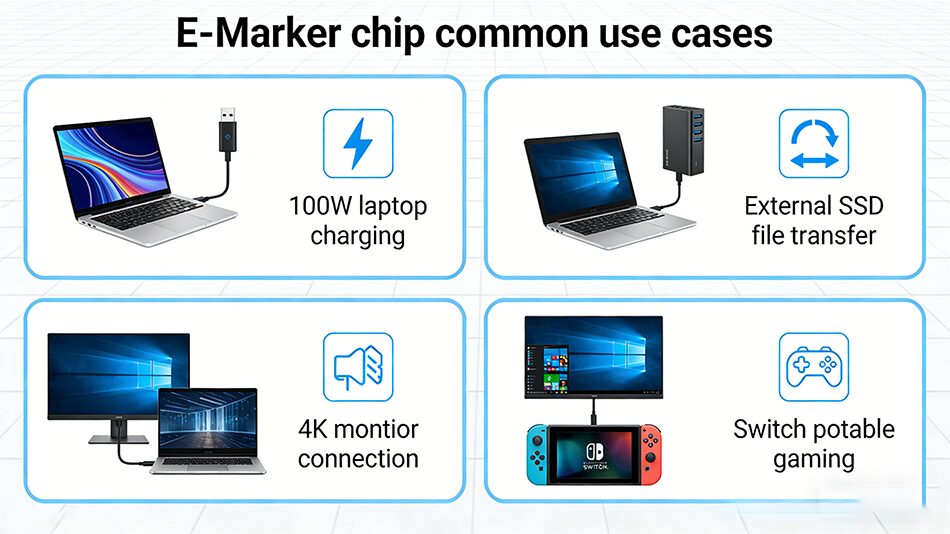
- Charging devices over 60W
Laptops, portable power banks, and gaming handhelds (Steam Deck, Switch OLED) that require 65W+ charging must use an E-Marker cable to access full speeds. Non-E-Marker cables will cap charging at 60W or lower, or fail to charge entirely.
- High-speed data transfer
Transferring large files to an external SSD, backing up your phone, or using a USB-C capture card? You’ll need an E-Marker cable to access USB 3.2/Thunderbolt speeds. A non-E-Marker cable will take 3 minutes to transfer a 10GB movie, vs 2 seconds on a 20Gbps E-Marker cable.
- Video output via USB-C
Any time you connect a device to a monitor, TV, or portable display via USB-C Alt Mode, you need an E-Marker to carry the video signal. Non-E-Marker cables can’t support video output, which is the #1 cause of “no signal” errors for USB-C displays.
- High-performance accessories
VR headsets, Thunderbolt docks, external GPUs, and 10Gbps network adapters all require E-Marker cables to run at full performance.
❌ Myth 1: All USB-C cables need an E-Marker
Truth: For low-power use cases (charging wireless earbuds, Bluetooth mice, or 15W old phones), a cheap non-E-Marker cable works perfectly fine. No need to overspend!
❌ Myth 2: E-Marker cables are always expensive
Truth: You can get a USB-IF certified 100W E-Marker cable for as little as $3-$5 from reputable brands. Only high-speed Thunderbolt 4/USB4 E-Marker cables carry a premium price tag.
❌ Myth 3: A cable with an E-Marker is always high-quality
Truth: The E-Marker is just an ID tag – it doesn’t improve build quality. Always look for USB-IF certification to confirm the cable meets safety and performance standards, not just an E-Marker label.
A: We don’t recommend it. Your laptop will either charge at a capped 60W speed, or not charge at all. Uncertified non-E-Marker cables may overheat if forced to carry more than 3A of current.
A: Look for these labels on packaging or product pages: 100W/240W PD, USB 3.2/Thunderbolt/USB4, or “video output support”. All cables with these features are required to have an E-Marker. You can also use a USB-C power meter to test for E-Marker support.
A: Yes. All Apple USB-C charge cables that support 61W+ charging, as well as all Apple Thunderbolt 3/4 cables, include genuine E-Marker chips.
A: In rare cases, physical damage (bending, fraying) can break the E-Marker. If your cable used to support fast charging but no longer does, the E-Marker is likely the culprit.